

Conversations
Answer every DM while the window is open
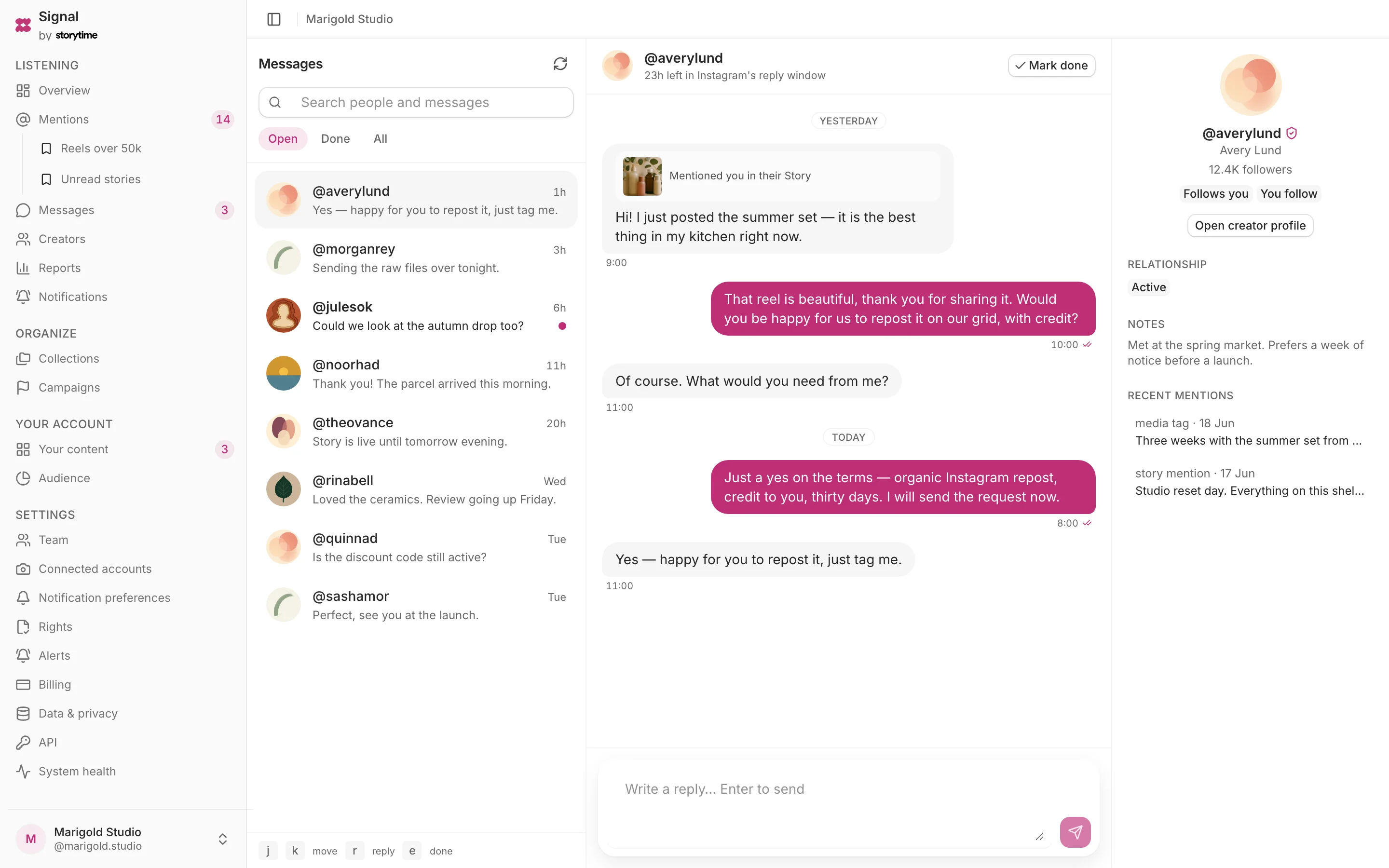
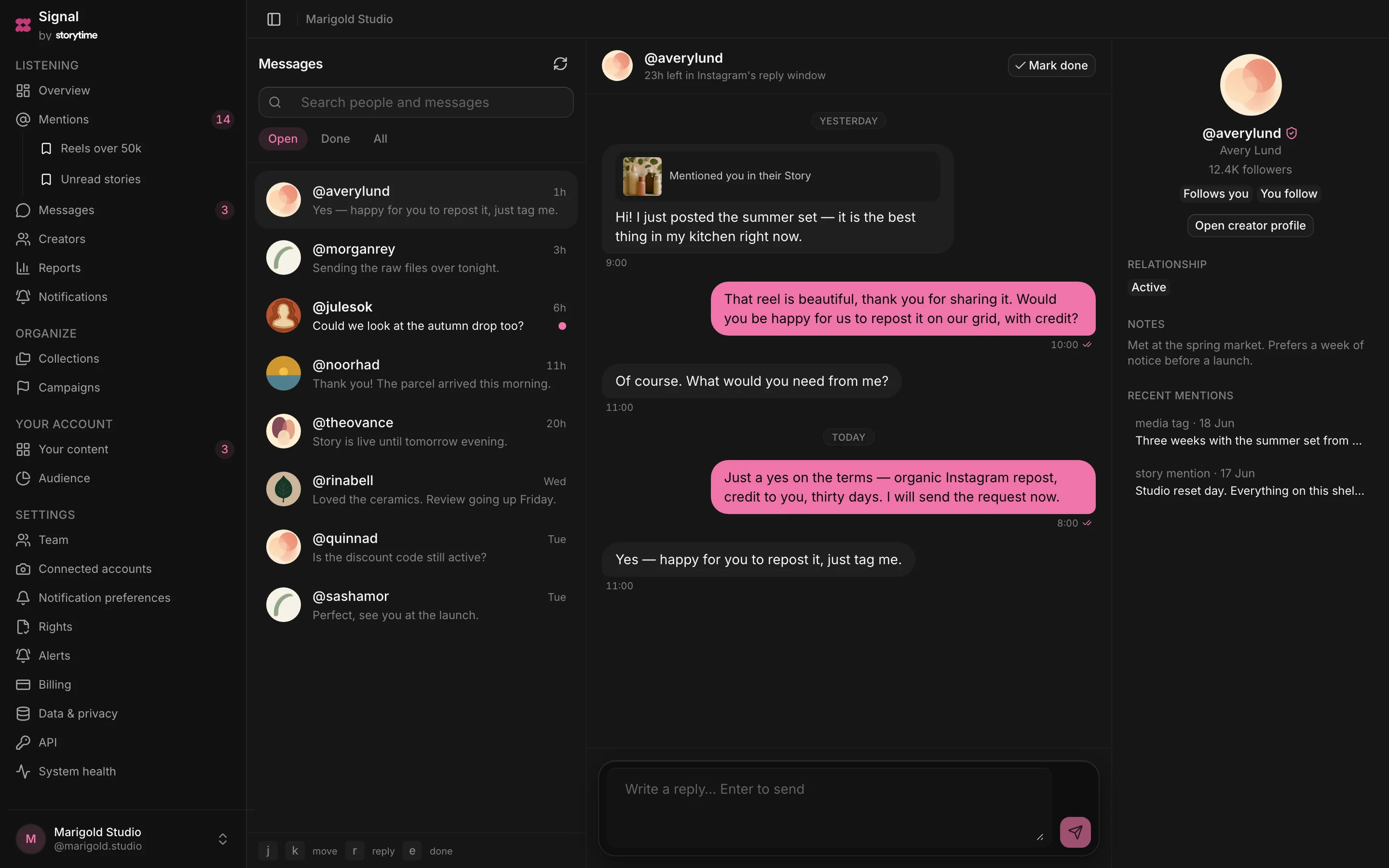
Signal shows the reply window beside each conversation, so you always know how long you have. When the window closes, the composer closes with it rather than letting you write something undeliverable.
Included on every plan, starting with Free — no card.
- Plan
- Free
- Capabilities
- 5
- Area
- Conversations
- Works with
- Mentions, Comments, Creators, API, MCP and webhooks
What you can do
5 includedSee the reply window
Each conversation shows how much of the reply window is left.
Triage the inbox
Move between open, done and all conversations, search message text and close finished threads.
Keep message context
View supported attachments, Story replies, reactions and delivery status inside the conversation.
See the creator
Keep the creator’s profile, relationship status, notes and recent mentions beside the thread.
Keep read state aligned
Opening a conversation marks it read in Signal and sends a best-effort read receipt.
How a reply is sent
- Step 1
A DM arrives
The conversation moves to the top with its reply window visible.
- Step 2
Write your reply
Signal checks the window, then sends from your connected professional account.
- Step 3
Track delivery
The message shows whether it is queued, sent or failed.
- Step 4
Mark it done
Close the thread until the creator writes again.
Plan
Free
The whole listening loop for one account, forever free.
Free. The comparison table shows 25 current features and limits across all plans.
Related
Mentions
Collect every tag, @mention and Story mention of your brand in one filterable list.
Comments
Review, reply to, hide or unhide comments on content published by your connected account.
Creators
Discover the creators already posting about you and keep every relationship in one place.
API, MCP and webhooks
Read brand data through REST or MCP, and receive signed webhook deliveries.